View Menu
The software has two sub panels (Alpha 87A Panel and Compact panel) and three different display modes and program sizes.
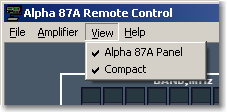
You can display both when both View items are checked:
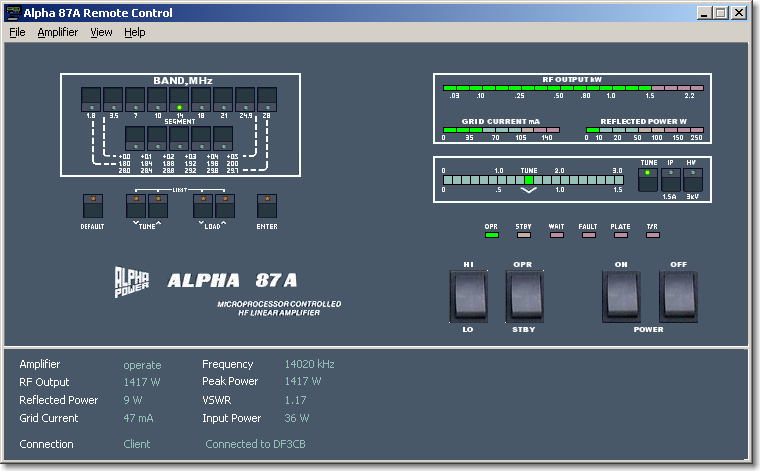
You can display only the upper panel if the Compact item is not checked:
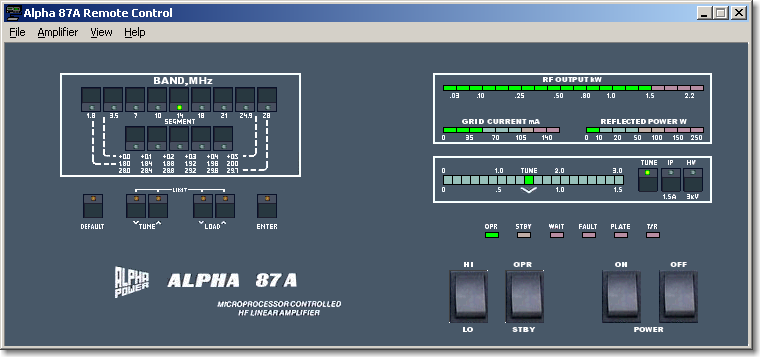
The Compact mode is displayed if the Alpha 87A Panel item is not checked.This display mode delivers all needed information:
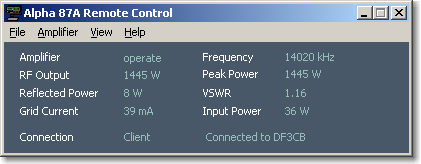
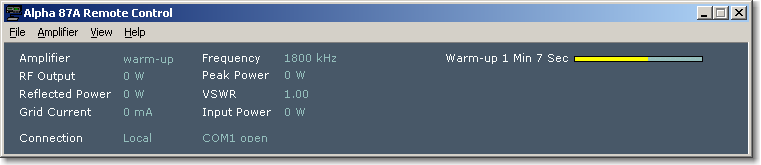
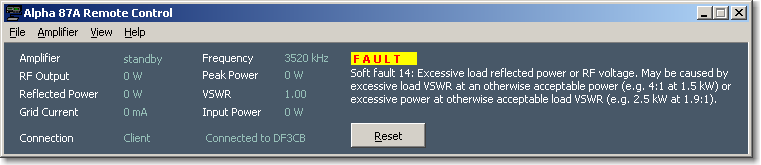
If an amplifier warms up or if a fault happens, the programm window width is automatically extended:
Back to Documentation | Next: Help Menu